Understanding TradingView and Its Core Features
TradingView is a powerful platform that serves as a comprehensive charting tool and social network for traders and investors. This innovative software allows users to analyze financial markets, track various asset classes, and share insights with fellow traders—all in one seamless environment. By consolidating multiple analytical tools into a single interface, TradingView simplifies the process and enhances the efficiency of market research.
What is TradingView?
Founded in 2011, TradingView quickly gained popularity due to its user-friendly interface and robust functionality. It enables users to create and customize charts for different asset classes, including stocks, Forex, cryptocurrencies, and derivatives. The platform combines real-time data with advanced technical analysis tools, making it suitable for both novice and experienced traders. Moreover, its social features allow traders to discuss strategies and share market insights with a global community, fostering collaborative learning.
Key Tools and Functions of TradingView
TradingView comes packed with a plethora of tools designed to enhance your trading experience:
- Customizable Charts: Users can adjust chart types, timeframes, and indicators to match their trading style.
- Technical Analysis Tools: The platform offers over 100 built-in technical indicators, including moving averages and Bollinger Bands.
- Social Networking Features: Users can follow other traders, share their analyses, and join discussions in a community setting.
- Alerts and Notifications: Customized alerts can be set for price movements, technical indicators, and more, sent directly via email or mobile app.
How TradingView Supports Various Asset Classes
TradingView supports a diverse range of financial instruments, making it a one-stop platform for traders. Whether you are interested in equities, currencies, or digital assets, TradingView offers the necessary tools to analyze and track these markets effectively. The platform regularly updates its database to include the latest market trends, ensuring that users have the most accurate information at their fingertips. This versatility allows traders to switch seamlessly between different asset classes without the need for multiple applications.
Setting Up Your Trading Workspace
To maximize your efficiency with TradingView, setting up an organized trading workspace is essential. A well-structured workspace allows for faster decision-making and better market analysis.
Creating an Efficient Layout with TradingView
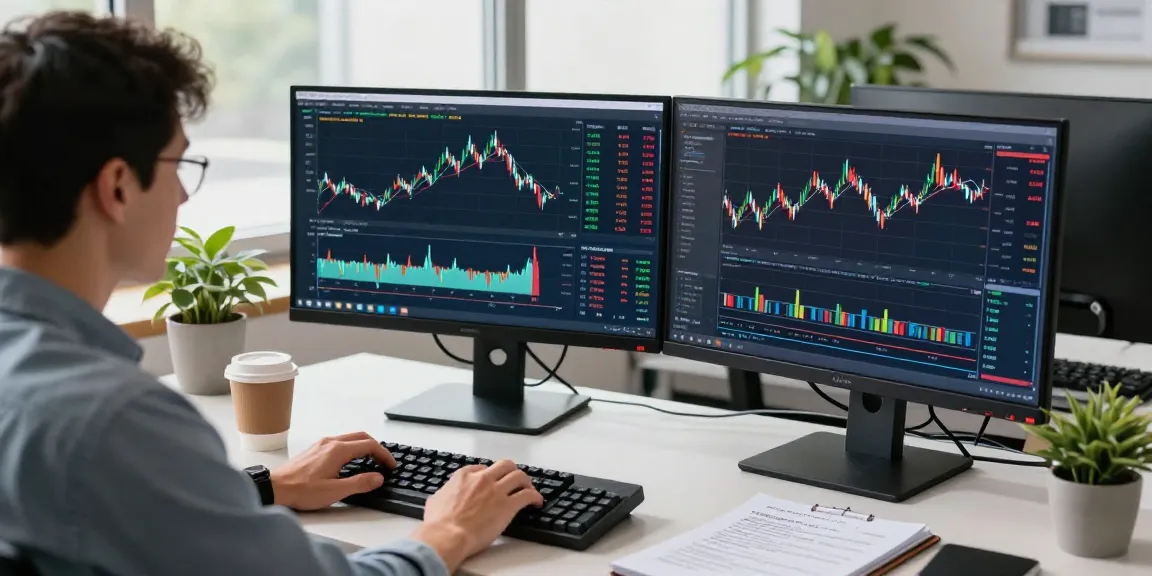
When first logging into TradingView, it is advisable to customize your interface to suit your trading needs. You can choose from multiple layouts to display various charts or instruments side by side. This multi-chart view facilitates simultaneous analysis of different assets, enabling traders to uncover correlations and make informed decisions. Utilizing the customizable layout options is crucial for creating a responsive trading environment.
Customizing Your Charts and Indicators
TradingView offers extensive customization options for charts and indicators. Users can add different types of indicators, adjust their parameters, and even build custom indicators using Pine Script. This flexibility not only enhances the analytical aspect of trading but also caters to the unique preferences of individual traders. By tailoring charts to reflect specific trading strategies, you can improve the effectiveness of your trades.
Integrating Alerts and Notifications
One of the standout features of TradingView is its ability to set alerts for specific conditions. Traders can create alerts based on price movements, technical indicators, and news events, which are then delivered via push notifications or emails. This functionality is particularly useful for managing trades without the need to monitor the market continuously. By incorporating alerts into your trading strategy, you can act quickly to capitalize on market movements.
Developing Effective Trading Strategies Using TradingView
Creating and refining trading strategies is vital for success in the financial markets. TradingView provides the necessary tools to develop and backtest these strategies, ensuring a data-driven approach to trading.
Utilizing Pine Script for Custom Strategies
Pine Script is TradingView's proprietary programming language, allowing users to develop custom technical indicators and trading strategies. With Pine Script, traders can automate their analysis and create alerts based on their unique rules. This level of customization means that traders can implement strategies that cater specifically to their trading style and market preferences, enhancing the overall effectiveness of their trading.
Backtesting Your Trading Ideas with Strategy Tester
Before committing real capital, it is essential to validate your trading strategies through backtesting. TradingView's Strategy Tester allows traders to run simulations using historical data to evaluate the performance of their strategies. This feature provides insights into potential profitability, drawdowns, and overall viability. By leveraging the Strategy Tester, traders can refine their techniques and make adjustments based on empirical evidence.
Analyzing Market Trends with Data Visualization
Data visualization is a vital component of effective trading. TradingView integrates various visualization techniques, including heat maps, volume profiles, and candlestick charts, to provide traders with comprehensive insights into market trends. By analyzing these visual representations, traders can identify patterns and make informed decisions on potential market movements. Utilizing these tools can greatly enhance a trader's ability to spot opportunities and manage risk effectively.
Optimizing TradingView for Mobile and Desktop Use
In today’s fast-paced trading environment, the ability to access trading tools on the go is crucial. TradingView offers robust applications for both desktop and mobile devices, ensuring that traders remain connected at all times.
Benefits of the TradingView Mobile App
The TradingView mobile app provides users with powerful charting capabilities directly on their smartphones. This app allows traders to monitor their positions, receive alerts, and analyze charts while away from their desks. The intuitive interface makes it easy to navigate, ensuring that traders can stay informed and responsive to market changes no matter their location.
Synchronizing Accounts Across Devices
Another significant advantage of TradingView is its cloud-based infrastructure. This feature allows users to synchronize their accounts across multiple devices seamlessly. Whether you start your analysis on a desktop or switch to a mobile device, you'll have access to your charts, alerts, and saved settings. This flexibility enhances your trading experience and ensures that you can continue your analysis uninterrupted.
Leveraging Multi-Monitor Setups for Enhanced Analysis
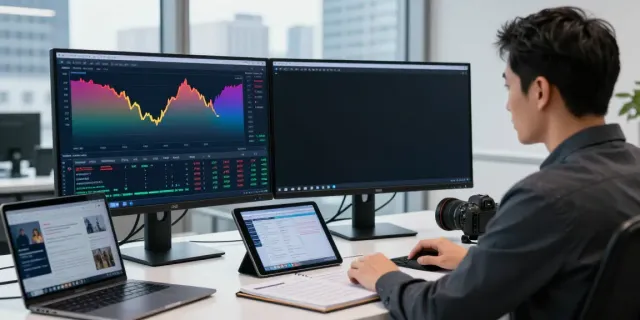
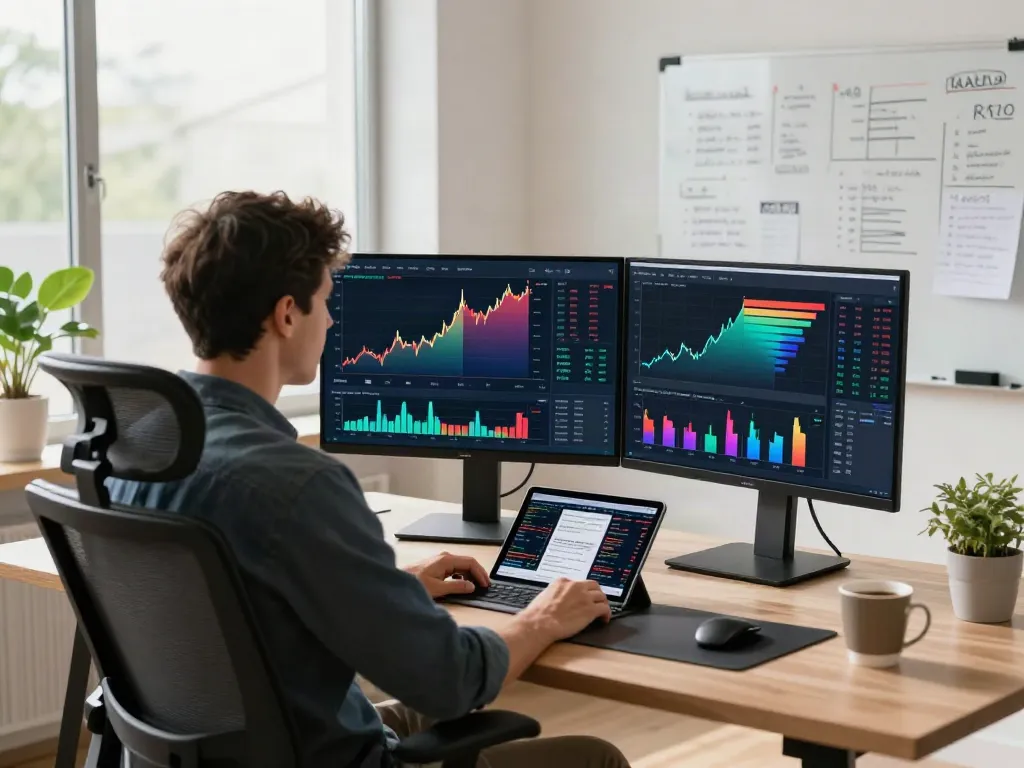
For those who prefer a more extensive analysis setup, TradingView supports multi-monitor configurations. By using additional displays, traders can expand their workspace and simultaneously view multiple charts and data streams. This setup is particularly beneficial for day traders and those who need to monitor fast-moving markets. By maximizing screen real estate, traders can make quicker decisions and enhance their overall efficiency.
Future Trends in Trading with TradingView
As the financial landscape evolves, so too does the need for sophisticated trading tools. TradingView is committed to staying at the forefront of trading technology and trends.
Emerging Technologies Impacting Trading in 2026
In the coming years, we can expect to see innovations such as artificial intelligence and machine learning becoming increasingly integrated into trading platforms. These technologies will likely enhance market analysis and prediction capabilities, allowing for more nuanced trading strategies. TradingView is poised to embrace these advancements, providing users with tools that leverage AI to identify patterns and signals with greater accuracy.
Predicted Innovations within TradingView's Ecosystem
Future updates to TradingView may include enhanced toolkits for algorithmic trading and a broader range of built-in indicators. As the platform continues to grow, users can expect more community-driven features, allowing traders to collaborate and share their insights, thus enriching the user experience.
Staying Competitive in the Evolving Trading Landscape
To remain competitive, traders must adapt to changing market conditions and technology. Utilizing platforms like TradingView will be essential in analyzing trends and formulating strategies that are not only effective but also responsive to market dynamics. By staying informed and continuously evolving your strategy through TradingView’s innovative tools, you can ensure that you stay ahead of the curve.
Is TradingView free to use?
Yes, TradingView offers a free version with access to essential features. However, users can upgrade to various premium plans for advanced functionalities, such as additional charting capabilities and enhanced alerts.
What are the best features of TradingView?
The best features of TradingView include its extensive range of technical indicators, customizable alerts, social networking capabilities, and the ability to create and share custom scripts using Pine Script.
Can I trade directly from TradingView?
While TradingView primarily acts as a research and analysis platform, users in certain regions can link their brokerage accounts to execute trades directly from the platform. This integration allows for seamless trading without switching interfaces.
How to customize TradingView alerts?
Customizing alerts in TradingView is straightforward. Users can set alerts based on specific price levels, indicator conditions, or other market events directly within the chart settings. Notifications can be received via email or push notifications, enabling traders to stay updated on key market movements.
What platforms support TradingView?
TradingView is accessible through web browsers, desktop applications for Windows and macOS, and mobile applications for iOS and Android. This cross-platform functionality ensures that users can access their accounts and analyze markets whenever and wherever they choose.