Understanding the Black Screen Concept
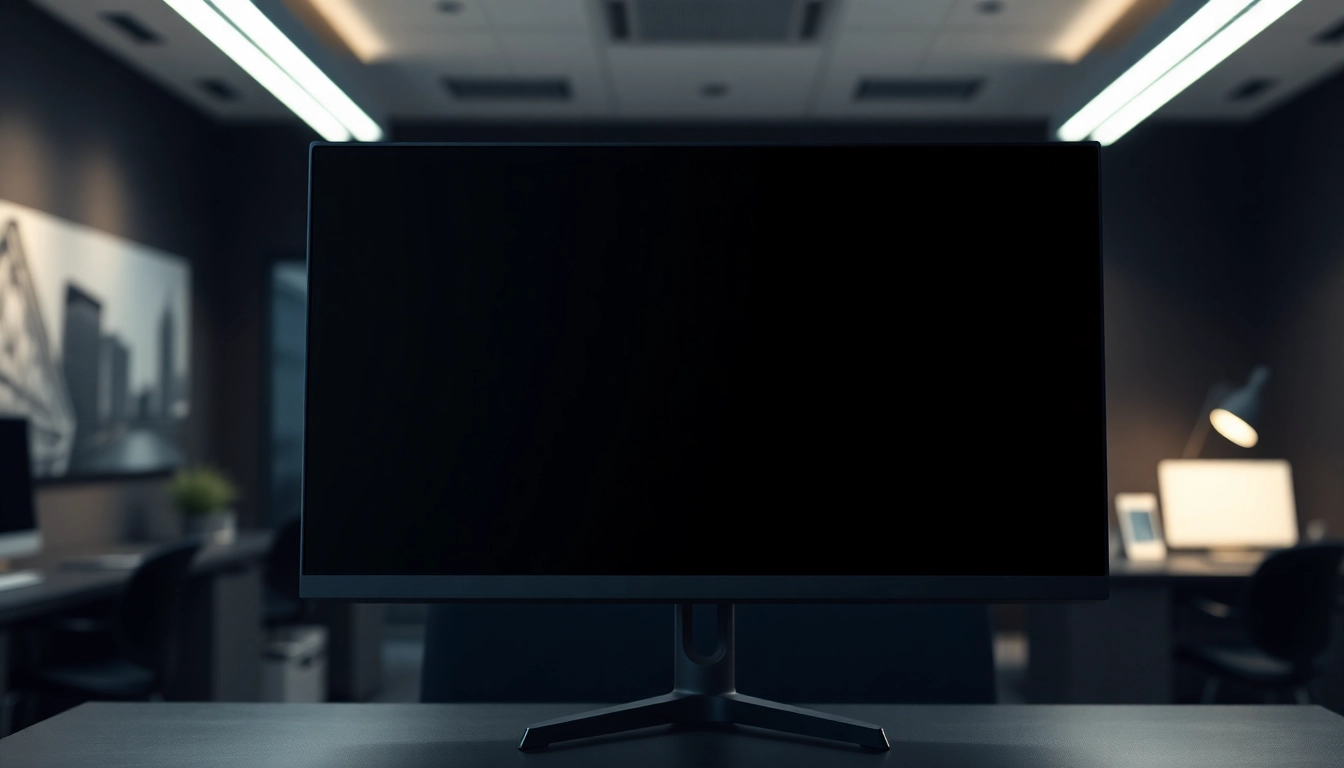
The black screen tool is more than just a simple web page; it serves multiple purposes across various contexts including productivity, relaxation, and even energy conservation. This innovative tool allows users to transform their screen into a completely black interface, creating an optimal environment for a range of activities from studying to gaming. Not only does it contribute to visual comfort, but it also helps in preserving the longevity of screens by reducing potential burn-in effects, especially for OLED and plasma displays. When exploring options, black screen tools are perfect companions for anyone looking to enhance their digital experience.
What is a Black Screen and Its Applications?
A black screen refers to the complete absence of light on a display, resulting in a uniform black visual. This concept is utilized in various applications ranging from simple tasks like screen cleaning to more complex uses such as minimizing distractions while studying or working. The black screen can be employed to:
- Reduce eye strain in low-light environments.
- Test monitor quality, especially for dead pixels.
- Serve as a backdrop for multimedia presentations and gaming.
- Act as a focus tool to enhance concentration during study sessions.
Benefits of Using a Black Screen for Eye Health
Prolonged exposure to bright screens can lead to digital eye strain, characterized by symptoms like dryness, fatigue, and headaches. Utilizing a black screen helps mitigate these issues by offering a higher contrast environment for the eyes. By lowering brightness levels, users can enjoy a more comfortable experience, especially during late-night activities or in dimly lit rooms.
Additionally, creating an environment with minimal distractions can significantly improve focus and productivity. Users have reported that switching to a black screen while working or studying allows them to concentrate better, leading to enhanced performance and reduced cognitive fatigue.
Energy Savings: The Science Behind a Black Screen
The energy efficiency of a black screen is particularly notable in OLED and AMOLED displays, where the black pixels essentially remain off, consuming no power. Studies indicate that utilizing a black screen can reduce energy consumption by up to 30% compared to using a brightly lit screen. This energy-saving feature is advantageous not just for individual users but also contributes positively to environmental efforts by lowering electricity usage.
How to Utilize the Black Screen Tool
Step-by-Step Guide for Activating Black Screen
Activating a black screen is a straightforward process that can be achieved through various online tools. Here’s a simple guide to get started:
- Navigate to a black screen tool website.
- Click the designated button to activate the black screen.
- Utilize the full-screen mode for maximum effect, usually achieved by pressing F11 on most browsers.
- To exit, press the ESC key or F11 again.
Optimizing Your Setup: Customizing the Black Screen Experience
Customization is key to enhancing the effectiveness of the black screen. Users can fine-tune their experience by adjusting settings such as brightness and contrast, depending on their specific needs. For example, if studying requires prolonged screen time, dimming the screen slightly can provide a balance between visibility and comfort.
Furthermore, using a black screen in conjunction with colored screens can also help in assessing display properties like color accuracy and contrast ratios.
Using Black Screen with Multiple Monitors Effectively
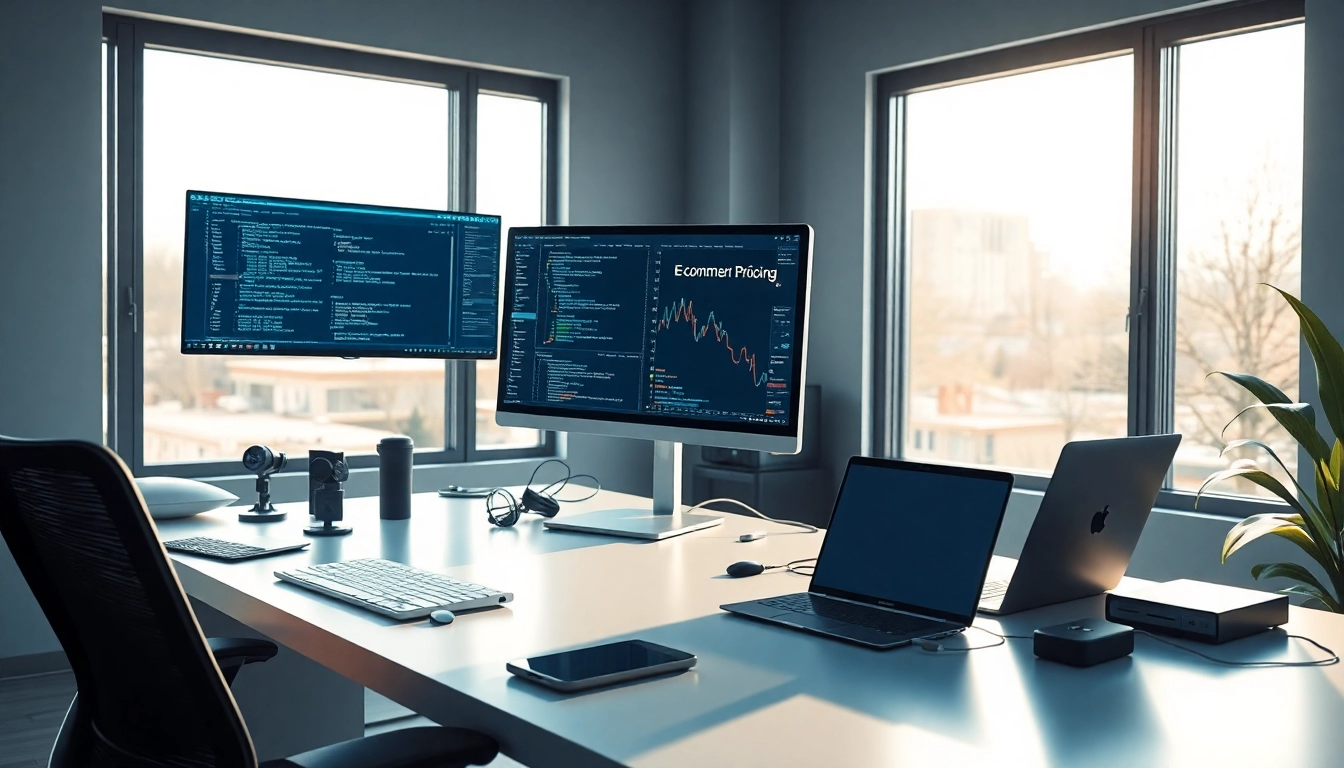
For individuals who work with multiple monitors, employing a black screen becomes even more versatile. Users can open multiple tabs on different screens and apply the black screen tool to effectively manage distractions. This feature is especially beneficial for professionals in creative fields or data analysis, where clarity and focus are paramount for task completion.
To maximize productivity, it’s advisable to keep one monitor active with essential applications while the others are set to black screen mode, providing a calm backdrop for your primary focus.
Addressing Common Myths and Misconceptions
Is a Black Screen Truly Energy Efficient?
Yes, it is! The efficiency of a black screen is influenced by the type of display technology used. On OLED screens, displaying black can significantly reduce power consumption. This energy-saving aspect is supported by research, indicating that such screens draw less power when showing black compared to any other color, particularly bright hues.
Does Using a Black Screen Harm Screen Quality?
No, using a black screen does not harm screen quality. In fact, it can be beneficial for preserving the screen’s performance. Regularly implementing a black screen can help prevent burn-in issues that can occur, particularly on plasma displays and OLED screens, where static images may leave permanent marks.
Can You Use Black Screen on Any Device?
The black screen tool is compatible with virtually all modern devices, including desktops, laptops, tablets, and smartphones. The process of activating the black screen may vary slightly across devices, but the fundamental concept remains consistent. Compatibility across platforms makes it an accessible solution for various users.
Real-World Applications of the Black Screen
Case Studies: Productivity Boosts with Black Screens
Numerous studies have highlighted the positive impacts of using a black screen in enhancing productivity. For instance, a recent survey among remote workers indicated that 65% felt more focused and less distracted when using a black screen during work hours. By reducing glare from bright backgrounds, individuals were able to immerse themselves more deeply in their tasks.
Using Black Screens in Gaming and Multimedia
Gamers often utilize the black screen to enhance their gaming experience, particularly in dark-themed games or cinematic experiences. This method can also increase immersion by eliminating unnecessary distractions from the peripheral environment. Moreover, using a black screen while watching movies can help reduce light pollution in a room, creating a more engaging viewing experience.
Creating a Relaxing Environment Before Sleep
Employing a black screen before sleep can significantly contribute to a more restful night. By minimizing exposure to blue light which can disrupt melatonin production, a black screen provides a calming environment that helps signal the body that it is time to wind down. Many users have reported improved sleep patterns after incorporating this practice into their evening routines.
The Future of Black Screen Technology
Innovative Future Trends in Display Technology
As display technology continues to evolve, the applications of black screens are likely to expand. Future innovations may include more customizable features that adapt to user preferences, such as automated switching to black screen mode based on ambient light levels. This adaptability could further enhance energy savings and user comfort.
Predicted Developments for Black Screen Tools in 2025
Looking ahead to 2025, we can expect advancements in black screen tools that utilize AI to optimize user experiences based on individual patterns and preferences. Enhanced customization could allow for dynamic background adjustments, integrating user-defined themes while still benefiting from the primary advantages of a black screen.
Best Practices for Users in Various Industries
To maximize the benefits of using a black screen, users across different industries should adopt best practices tailored to their specific environments. For office workers, incorporating scheduled breaks and alternating between black and colored screens can reduce fatigue. Creative professionals might find value in using the black screen during brainstorming sessions to minimize distractions while keeping essential tools visibly active. Overall, integrating a black screen into daily routines can lead to improved focus, energy efficiency, and visual comfort.